Getting Started
Quick start guide to creating your first custom Lightroom preset.
What is Hyperfocal?
Hyperfocal is an AI-powered tool that creates custom Lightroom presets from natural language descriptions. Instead of spending hours tweaking sliders or buying preset packs that don't quite match your style, simply describe the look you want and our AI generates a professional preset in seconds.
Creating Your First Preset
Getting started with Hyperfocal takes less than a minute:
- Sign up: Create an account with your email or sign in with Google. Start with our free plan or choose a paid plan for more generations.
- Describe your look: In the generation box, describe the aesthetic you want. For example: "warm golden hour tones with lifted shadows and soft highlights, slightly desaturated greens"
- Generate: Click generate and watch as our AI creates your custom preset in seconds.
- Download & install: Download the XMP file and import it into Lightroom Classic, Lightroom CC, or Photoshop ACR.
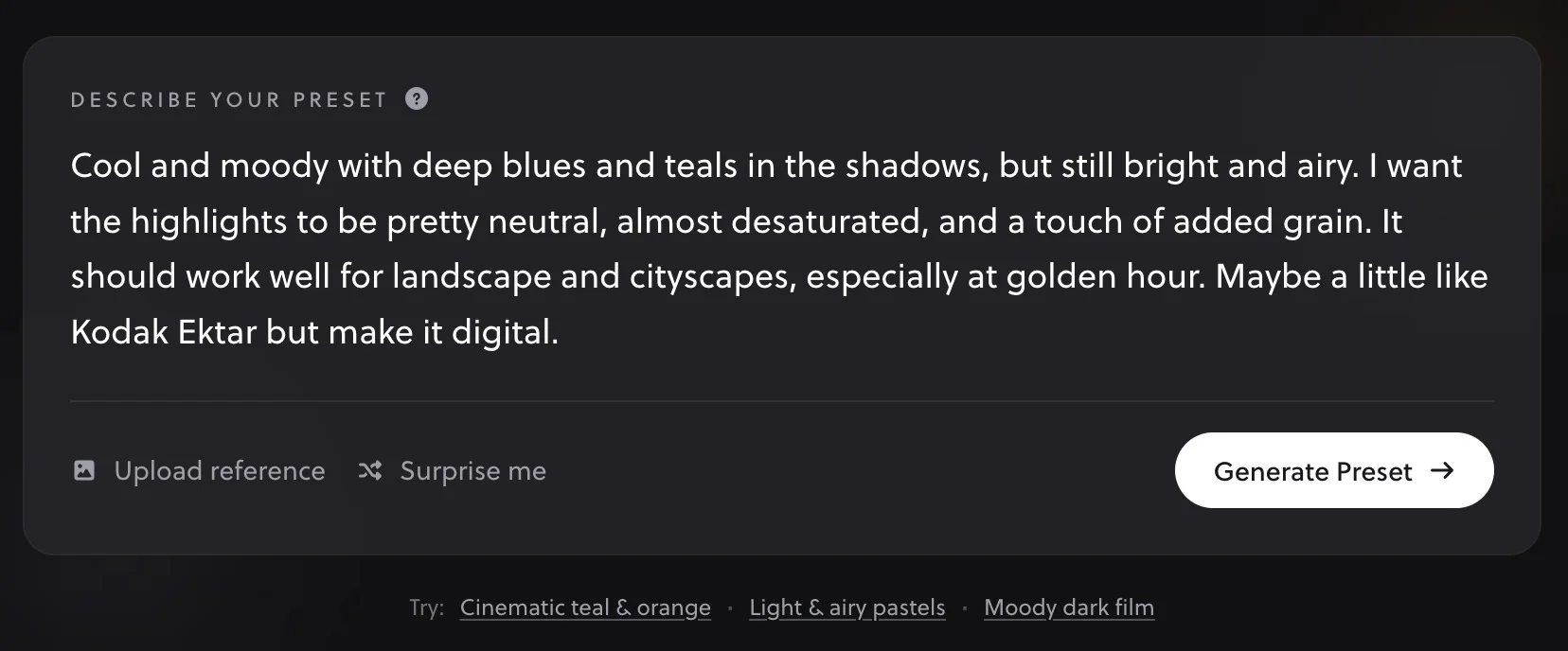
Three Ways to Generate Presets
Hyperfocal offers multiple approaches to preset creation:
- Text Prompts: Describe the look you want in plain English. Great when you have a specific aesthetic in mind.
- Reference Images (paid plans): Upload a photo with a look you love, and our AI will analyze its color grading to create a matching preset.
- Remix & Variations: Take any existing preset and create variations to explore different directions.
Understanding Your Generated Preset
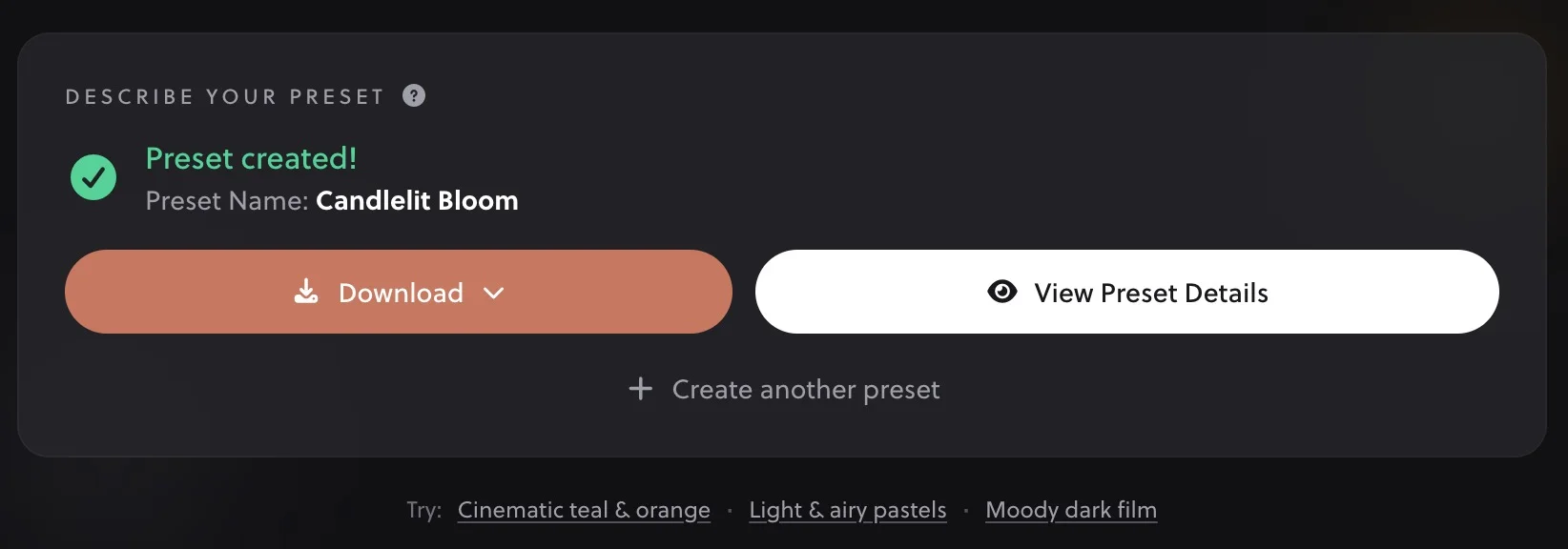
When you generate a preset, you'll see:
- Preset Name: A name automatically created based on your description
- Download Button: Get your XMP file instantly
- View Preset Details: See the full description and settings
- Create New Preset: Generate another preset right away
Installing Your Preset
Once you've downloaded your preset, you'll need to import it into your editing software. We have detailed guides for each platform:
- Installing in Lightroom Classic: The desktop version with full preset management
- Installing in Lightroom CC: The cloud-based version for desktop and mobile
- Installing in Photoshop ACR: Using presets in Adobe Camera Raw
Free vs. Paid Plans
You can try Hyperfocal for free with 3 preset generations using text prompts, remix, and variations. Paid plans unlock unlimited generations and reference image matching.
See our Plans & Pricing page for full details on what's included in each plan.
Next Steps
Now that you've created your first preset, explore these guides to get even more out of Hyperfocal:
- How Hyperfocal Works: Understand the AI behind your presets
- Writing Effective Prompts: Get better results with better descriptions
- Tweaking & Customizing Presets: Learn how to fine-tune presets for your photos
- Explore the Community: Get inspired by presets others have created