Using Reference Images
How to match the color grading of any photo using AI analysis.
Reference image matching is available on paid plans only. View plans
What is Reference Image Matching?
Reference image matching lets you upload a photo whose look you love, and Hyperfocal's AI will analyze its color grading, tones, and mood to create a preset that recreates that aesthetic. It's like having a colorist study a photo and replicate its style for your images.
Two Ways to Use Reference Images
1. Match a Style (Full Style Matching)
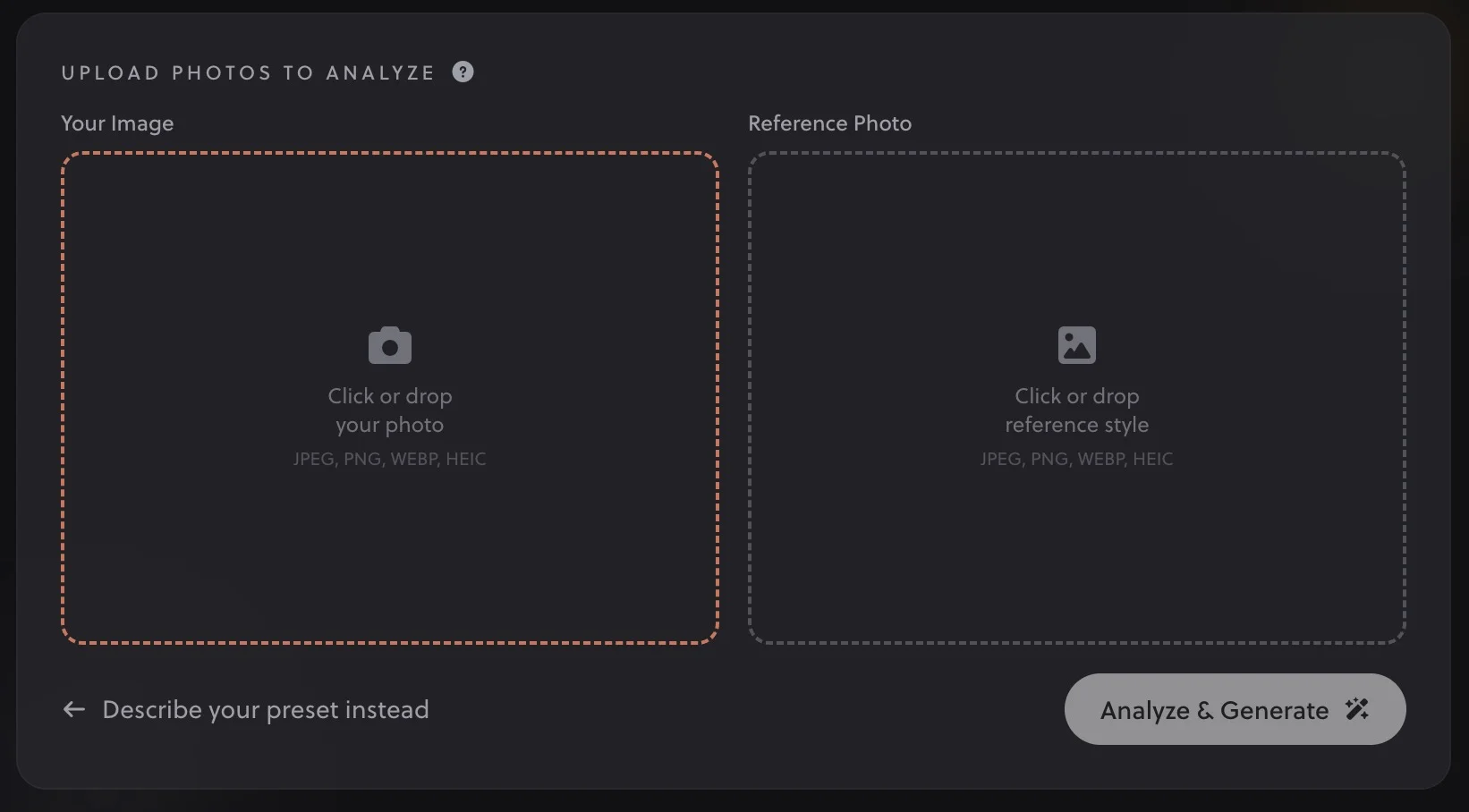
Use this when you have a photo with a look you want to recreate. You'll upload two images: your unedited photo and the reference with the style you want.
- On the Dashboard, click "Match a style" below the prompt box
- Upload your unedited photo (the photo you want to edit)
- Upload a reference photo with the look you want to match
- The AI will analyze the differences and show you a side-by-side preview
- Click Generate Preset to create your preset
2. Add a Photo to Your Prompt (Optional Preview)
When writing a text prompt, you can optionally upload your own unedited photo. This lets you see a live preview of the preset applied to your actual photo as it generates.
- Write your prompt describing the look you want
- Click the camera icon next to the prompt box to upload your photo
- Click Generate
- See a before/after preview with your actual photo
What the AI Analyzes
When you upload a reference image, our AI examines:
- Color temperature: Overall warmth or coolness of the image
- Color grading: Tints in shadows, midtones, and highlights
- Contrast & tonal range: How shadows and highlights are treated
- Saturation levels: Overall vibrancy and individual color intensity
- Color shifts: How specific colors (greens, blues, skin tones) are modified
- Special characteristics: Fade effects, grain, vignettes, etc.
Best Practices for Reference Images
Choose Images With Clear Color Grading
The best reference images have a distinctive, intentional look. Photos that have been edited with a specific style will produce better results than unedited photos or those with subtle adjustments.
Good Reference Images
- Photos with obvious color grading
- Film photography or film simulations
- Editorial/magazine-style photos
- Photos with consistent lighting
- Well-exposed images
Less Ideal References
- Heavily composited images
- Photos with extreme local adjustments
- Very dark or overexposed images
- Photos with strong HDR effects
- Screenshots or low-quality images
Consider the Subject Matter
The AI works best when the reference image has similar content to what you'll be editing. A portrait reference will produce a preset optimized for skin tones, while a landscape reference will emphasize sky and nature colors.
Pro Tip
If you're trying to match a look from a movie or TV show, use a frame with good variety in tones (not too dark, not too bright) and clear color grading. Pause on a well-lit scene with skin tones visible for best results.
Privacy & Image Handling
Your reference images are processed in real-time and never stored on our servers. They're analyzed by the AI, used to generate your preset, and immediately discarded. We take your privacy seriously; your images remain yours.
When Reference Matching Works Best
Reference image matching excels in these scenarios:
- Recreating film looks: Match the color science of your favorite film stocks
- Matching a photographer's style: Analyze their edited work to understand their aesthetic
- Consistent project editing: Create a preset from one edited photo to apply to a whole series
- Inspiration from cinema: Recreate the color grading of movies and TV shows
Limitations to Know
While powerful, reference matching has some limitations:
- Local adjustments can't be replicated: Presets apply globally; if the reference has localized edits (like a radial filter on just the subject), those won't transfer
- Lighting differences matter: A preset made from a sunset photo may look different on a midday photo
- Some effects are camera-specific: Lens characteristics, sensor color science, etc. can't be fully replicated
The generated preset is always a starting point. Use Tweaking & Customizing to fine-tune for your specific photos.
Related Guides
- Writing Effective Prompts: Combine with text for better results
- How Hyperfocal Works: Understand the AI analysis process
- Remixing & Variations: Create variations from your matched preset
- Tweaking & Customizing Presets: Adjust the results for your photos