Managing Your Presets
View, organize, rename, and delete presets in your library.
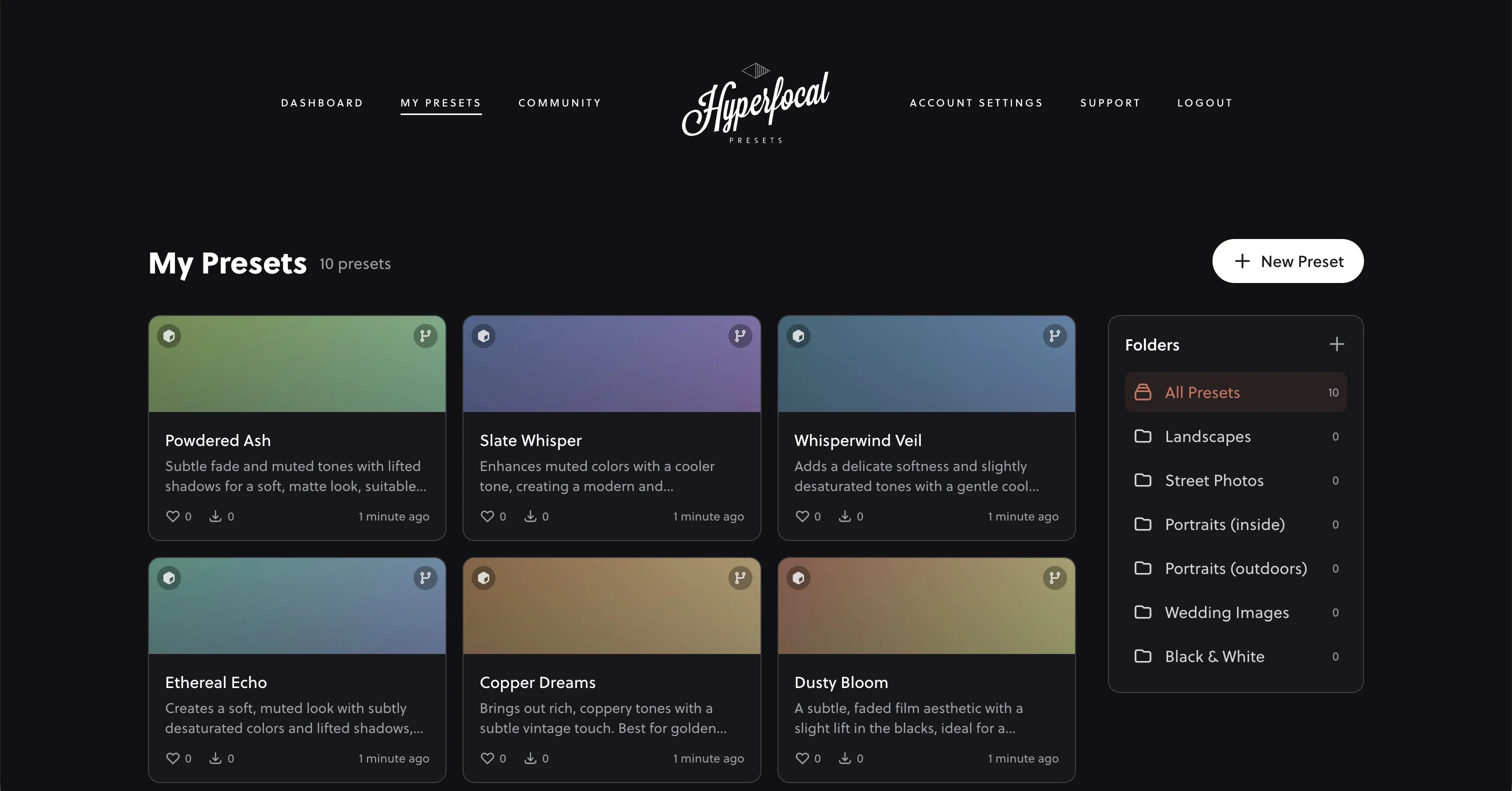
Your Preset Library
Every preset you generate is saved to your personal library in Hyperfocal. Your library is accessible from the dashboard and gives you full control over your presets: view, download, organize, share, or delete at any time.
Viewing Preset Details
Click on any preset to view its details:
- Name & description: The name and summary of the preset's characteristics
- Creation date: When you generated the preset
- All settings: Every adjustment that makes up the preset, organized by section. Collapsed sections have no adjustments applied, while open sections show the specific values that were changed
Downloading Presets
Download your presets anytime to use in Lightroom or Photoshop ACR:
- Single preset: Click the download button at the top of any preset detail page
- Entire folder: When viewing a folder, download all presets as a single ZIP file
Downloaded presets are in XMP format, ready to import into Lightroom Classic, Lightroom CC, or Photoshop ACR.
Renaming Presets
Names are generated automatically, but you can rename any preset:
- Click on a preset to open its details
- Click Edit Preset in the Actions box in the sidebar
- Enter your new name
- Click save
Naming Tips
Use descriptive names that help you remember what the preset does: "Golden Hour Portraits," "Moody Forest Greens," or "Clean Product Shots." This makes finding the right preset much faster.
Duplicating Presets
Want to keep the original while experimenting? Duplicate a preset to create an exact copy that you can then modify or use as a starting point for variations.
Deleting Presets
To delete presets you no longer need:
- Click on the preset to open its details
- Click Delete Preset in the Actions box in the sidebar
Deletion is Reversible
Deleted presets can be restored for a short period after deletion. If you accidentally delete something, use the undo option that appears.
Preset Ownership
You own 100% of the presets you create with Hyperfocal. There are no licensing restrictions: use them commercially, share them, sell them, or do whatever you want. Your presets remain yours forever, even if you cancel your subscription.
Related Guides
- Organizing into Folders: Keep your library tidy
- Sharing Your Presets: Share with the community
- Exporting LUTs: Get LUT versions of your presets
- Installing Presets: Use your presets in Lightroom